
Use Case Scenarios
See how RapidOps fits different manufacturing environments—from micro sized to the largest manufacturing operations, without specialist IT or expensive hardware.
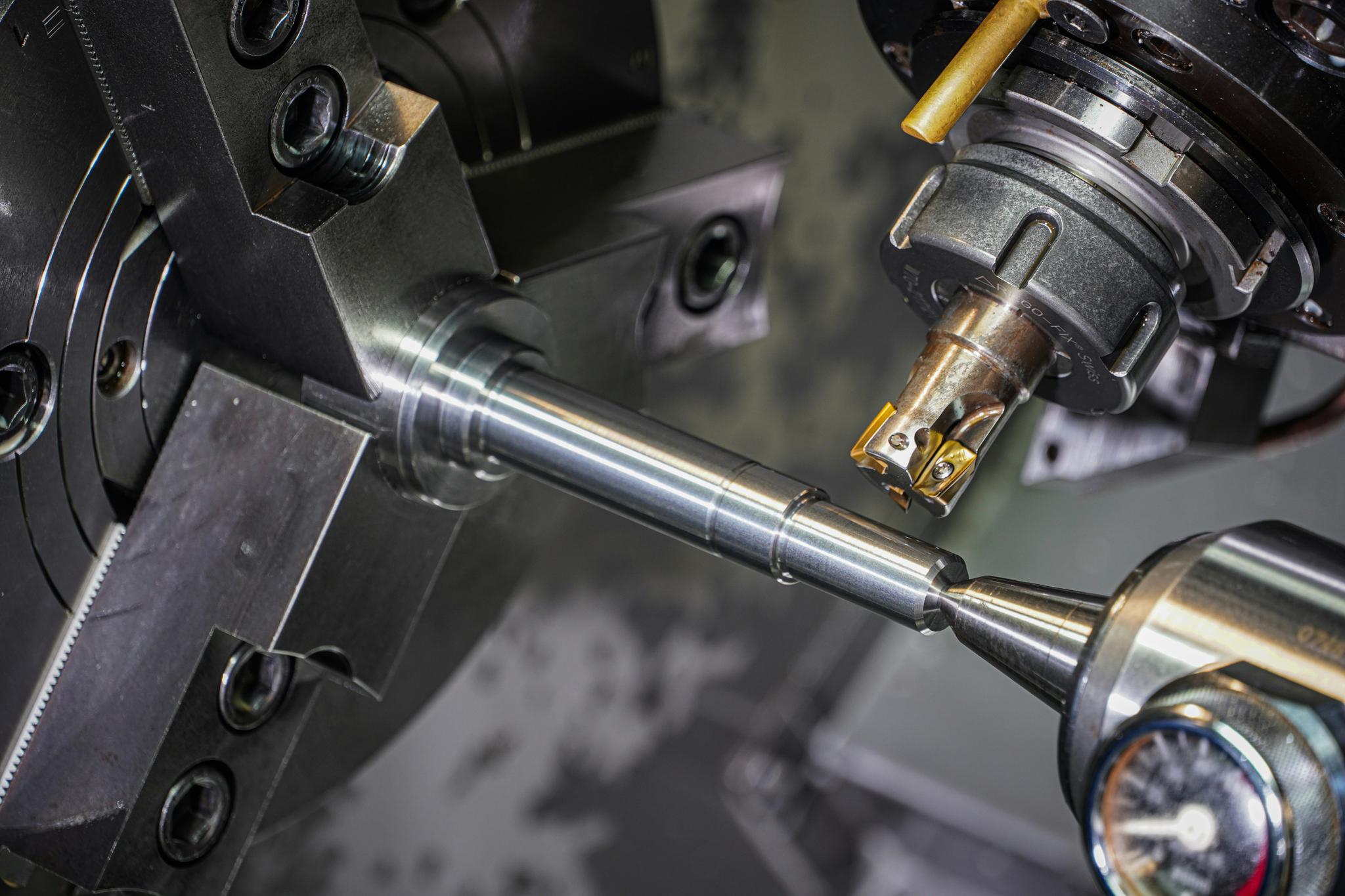
Use Case: Job Shop
This company requires a solution that can be configured without specialist IT support and used easily on the shop floor without disrupting existing workflows. RapidOps is configured and managed from a standard computer, laptop or tablet, allowing managers and planners to set up jobs, schedules, and processes quickly and easily. On the shop floor, operators access RapidOps using computers or tablet devices mounted at workstations or carried between operations. This provides real-time visibility of job status, priorities, and next tasks without the need for expensive industrial terminals or custom hardware.
Typical Setup
- Computer, laptop or tablet for system configuration and planning
- Computer or tablet devices on the shop floor for operator interaction
- No specialist hardware, PLC integration, or infrastructure changes required
Desktop Computer / Laptop (likely already existing or £150-500). Tablet with tough case (£150-300). This approach keeps deployment costs low, enables rapid rollout, and ensures the system fits naturally into day-to-day shop floor operations.
Problem
- Constant reprioritization
- No real-time WIP visibility
- Late jobs discovered too late
RapidOps Delivers
- Live job status
- Real-time bottleneck visibility
- Clear priorities for operators
Outcome
- Fewer production surprises
- Improved on-time delivery
- Better decision-making under changing conditions
Modules Used
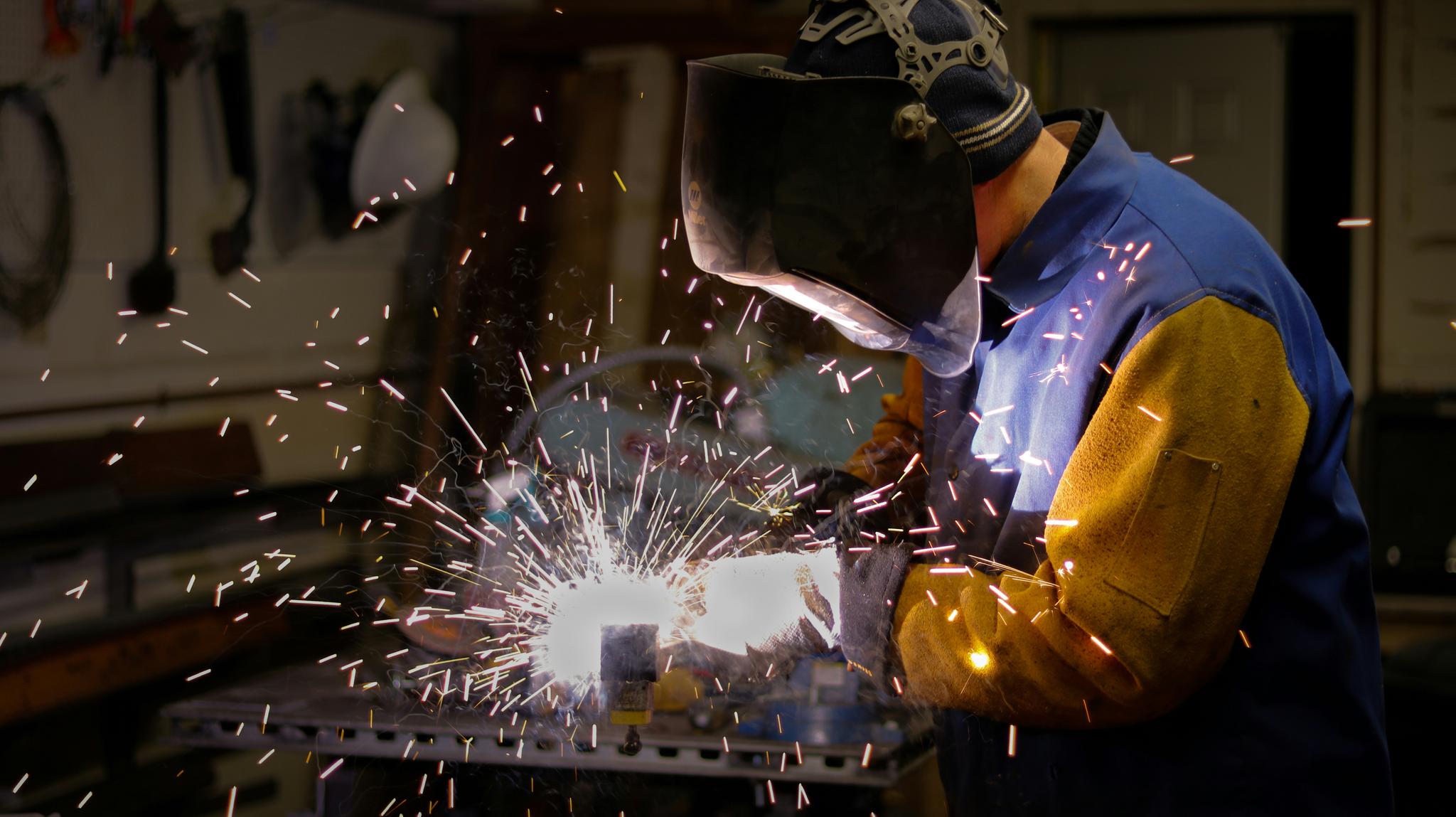
Use Case: Fabrication & Welding
This company specialises in fabrication and welding, producing custom metal components for multiple clients with varying specifications. Each job requires different materials, machines, and skilled operators, making coordination complex. Tracking progress is largely manual, using whiteboards, paper job cards, and verbal updates. Schedules often shift mid-day. Disconnects between material availability and labour assignments frequently cause delays. Without real-time insights, managers spend more time firefighting than proactively running the shop.
Typical Setup
- Computer or laptop for configuration and planning
- Tablet devices on the shop floor for operator access
- No industrial PCs or heavy IT investment required
RapidOps is configured from a computer, laptop or tablet, enabling managers to set up jobs, sequences, and priorities efficiently. On the shop floor, operators use computers or tablets, either mounted at workstations or handheld, to view job progress, report task completion, and receive next-step instructions. This setup keeps costs low, deployment fast, and adoption intuitive for shop-floor teams.
Problem
- Manual tracking of jobs and materials
- Schedule chaos due to shifting priorities
- Disconnects between material availability and labour assignments
RapidOps Delivers
- Shop-floor production tracking
- Clear job progress and real-time status without paperwork
- Real-time material transactions and insights
Outcome
- Reduced unplanned work and schedule chaos
- Greater operational control
- Fewer missed deadlines and improved throughput
Modules Used

Use Case: Electronics & Assembly
This company assembles electronic and electromechanical products in small to medium batch sizes for multiple customers. Production involves a high mix of products, frequent changeovers between jobs, and multiple assembly and test stations. As work moves between stations, visibility is often lost. Teams struggle to understand where jobs are queued, which stations are becoming bottlenecks and whether issues are impacting downstream operations. Without real-time insight, delays are discovered only after throughput has been affected.
Typical Setup
- Computer, laptop or tablet for configuration and planning
- Tablet devices at assembly and test stations
- Cloud-based deployment with no on-premise servers
RapidOps is configured and managed from a standard office computer or laptop, allowing planners and supervisors to define workflows, stations, and job sequences without specialist IT support or lengthy setup. On the shop floor, operators interact with RapidOps using tablet devices or computers, positioned at each assembly or test station. Because RapidOps is cloud-based and hardware-agnostic, deployment does not require industrial PCs, custom terminals, or complex integrations. Most sites can be up and running using existing hardware within days.
Problem
- High product mix with frequent changeovers
- Limited visibility between assembly and test stations
- Issues detected too late, causing downstream delays
RapidOps Delivers
- Station-level production tracking
- Clear, real-time job flow visibility across stations
- Faster detection of issues and bottlenecks
Outcome
- Faster throughput across the assembly line
- Fewer delays and handover issues
- Improved coordination between teams and stations
Modules Used
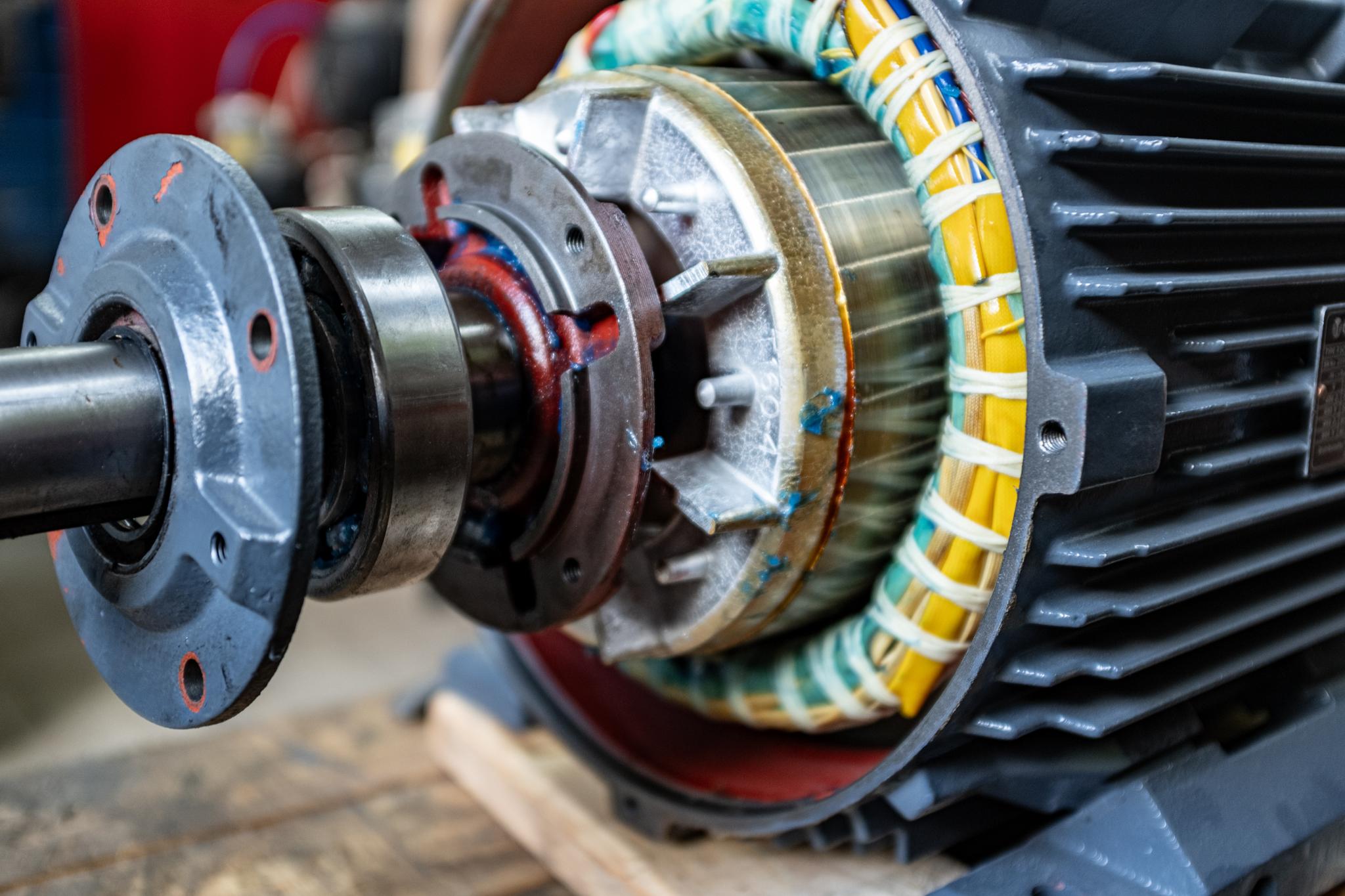
Use Case: Motor Refurbishment Workshop
This company refurbishes and rewinds electric motors for industrial customers, with every job being a little different. Faults are discovered during strip-down, parts and procedures change as work progresses, and the same asset often comes back multiple times over its life. Job cards and spreadsheets struggle to keep up with the variability, and customers regularly call in for status updates that take the workshop manager away from running the shop. RapidWorkshop is designed for exactly this kind of environment, where structured control has to coexist with day-to-day flexibility.
Typical Setup
- Computer or laptop in the office for planning and configuration
- Tablets at each bench for technicians to capture evidence and update status
- Optional customer portal accessed from any browser by end customers
RapidWorkshop is browser-based, so no specialist hardware is required. Office machines configure workflows, asset types, and inspection forms, while tablets at the bench capture photos, measurements, and stage updates. The optional customer portal lets your customers self-serve repair status without phoning the workshop, all from existing hardware.
Problem
- Every job is different — rigid routings don't fit
- Findings, photos, and measurements live on paper or in heads
- Customers constantly call for status updates
- Limited history when an asset comes back for repeat work
RapidOps Delivers
- Dynamic workflows that adapt as faults are discovered
- Photo, measurement, and inspection evidence captured per job
- Asset and serial history available at the click of a button
- Optional customer portal for real-time repair status
Outcome
- Less time chasing paperwork and answering status calls
- Full evidence trail for every motor leaving the workshop
- Faster diagnosis on repeat assets using prior history
- Operational control without forcing a rigid process
Modules Used

Use Case: Capacity-Constrained Precision Machining
This company runs high-mix precision machining across a shared pool of CNC mills, lathes, and an inspection cell. The order book already lives in RapidMES with planned dates, but nothing confirms whether the shop actually has the capacity to hit them. Bottlenecks surface only when a job is already late, and when an operation runs long the rest of the plan never gets re-forecast. They want to keep the RapidMES production workflow exactly as it is and layer resource intelligence on top, knowing that if the bolt-on ever stops earning its place they can remove it for good without disruption.
Typical Setup
- RapidMES already in place for orders, operations, and planned dates
- RapidResource enabled as an optional bolt-on — no change to the core workflow
- Office computers for capacity planning; tablets on the floor to record actual starts and completions
RapidResource adds no hardware requirement. It consumes the existing RapidMES plan, calculates resource demand and utilisation against defined capacity, and re-forecasts the schedule as operators record actual progress from standard tablets at the machines.
Problem
- Planned dates with no check against real machine and labour capacity
- Overloaded resources discovered only after jobs are late
- Operations run long or short and downstream work is never re-forecast
- Standard times that no longer match what happens on the floor
RapidOps Delivers
- Resource, capability, and availability model over the existing schedule
- Demand and utilisation by resource and capability, with constraints called out
- Live schedule forecasting driven by actual starts and completions
- Standard-time analysis feeding more accurate planning assumptions
Outcome
- Capacity problems visible against the schedule before they cause late orders
- A schedule that reflects current production instead of the plan at release
- Original plan, live forecast, and actuals kept separate and comparable
- A low-risk add-on that can be removed for good without losing RapidMES data
Modules Used
Use Case: Assembly Resource Scheduling for Machine Builders
This company designs and builds bespoke industrial machinery and capital equipment to order. Every machine is a multi-week build that moves through mechanical fitting, pipework and hydraulics, electrical build, and final test and commissioning. A small pool of skilled fitters and one or two commissioning engineers are shared across every project on the floor, and the single test bay is the real bottleneck. The works orders and build operations already live in RapidMES; what the planners are missing is a view of whether the people and the test bay can actually support the dates — and a forecast that moves when a long build slips.
Typical Setup
- RapidMES holds works orders and build operations with planned dates
- RapidResource models fitters, electricians, and commissioning engineers by skill, shift, and holiday
- Office PCs for planning; tablets on the build bays to record actual start and completion
RapidResource adds no hardware. People are scheduled exactly as machines are — by capability, availability, and capacity — so a build operation can request "mechanical fitting x2" and be allocated whichever qualified fitters are free, several working the same build at once. The test and commissioning bay is modelled as its own constrained resource. Because RapidMES never depends on RapidResource data, the bolt-on can be removed for good later with every works order and build record left intact.
Problem
- A handful of skilled fitters and one commissioning engineer shared across every build
- Two machines reaching final test in the same week with one test bay
- Holiday and training booked with no view of the effect on live builds
- Long builds that slip with no re-forecast of the finish date or downstream work
RapidOps Delivers
- People modelled by skill, shift pattern, and availability alongside machines and cells
- Multiple fitters allocated to one build where the work needs them
- Utilisation by person, team, and capability, with the test bay constraint called out
- Live forecast finish dates as fitters record actual progress on the bays
Outcome
- Skilled-labour and test-bay overloads visible weeks before they bite
- Test and commissioning capacity protected across concurrent builds
- Holiday and training planned around live build commitments
- A low-risk add-on that can be removed for good without touching the RapidMES build data
Modules Used
Ready to Transform Your Manufacturing Operations?
Our team will help you identify the right RapidOps setup for your shop—no specialist IT or heavy hardware investment required.
Schedule a Demo